How it works
Three steps to a first lesson. After that, a town to study in.
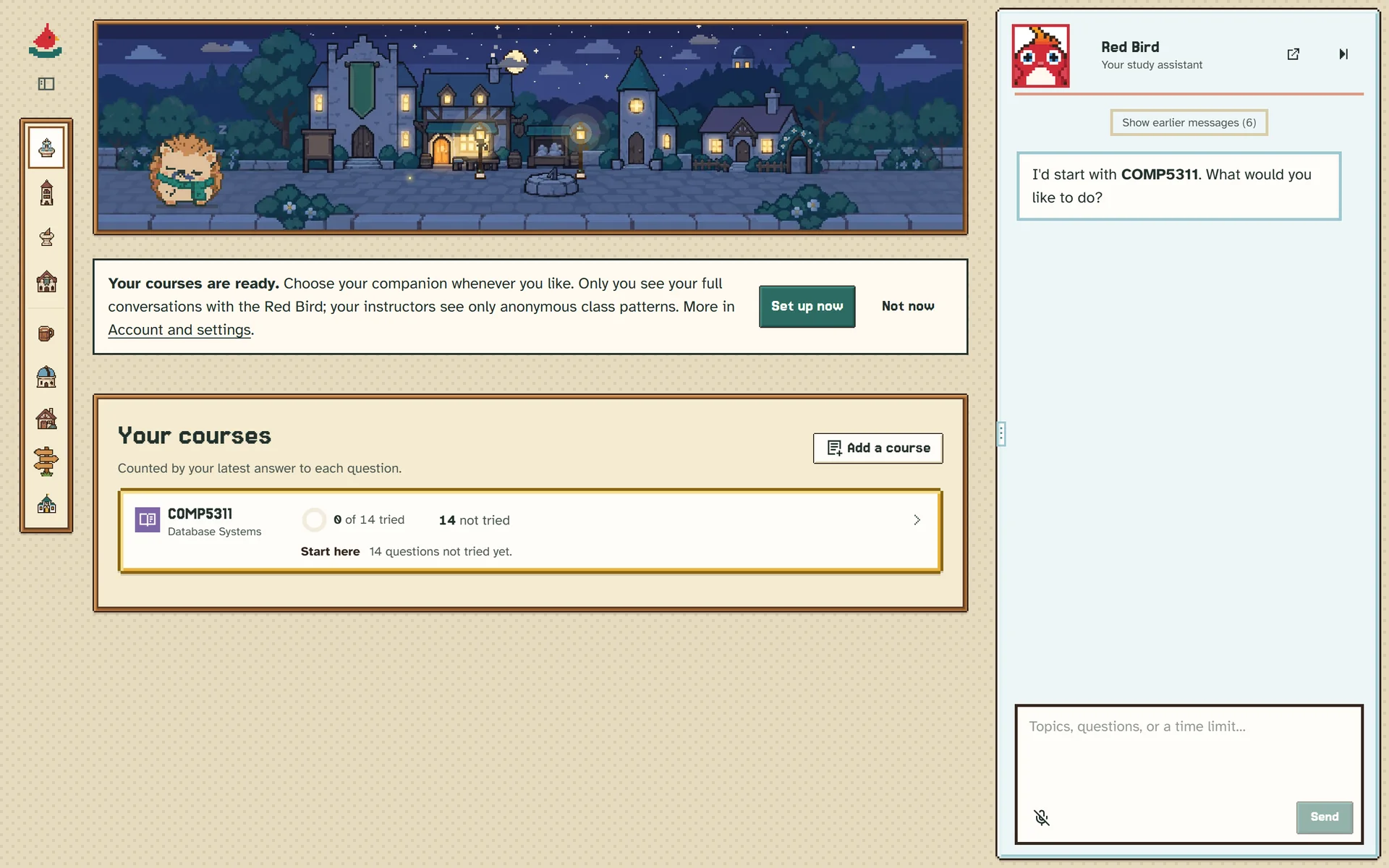
From download to first lesson
-

Download StudyBirds
One installer for Windows, macOS or Linux. The app updates itself when a new version is out.
-

Connect your AI
StudyBirds does its thinking through an AI tool on your own computer. If you already use Claude Code or Codex, you are set. If not, the guides cover the free options.
-

Drop in your course
A folder or zip of slides, PDFs and past papers. StudyBirds builds the course map and the first units, then the Owl starts teaching.
What a study session is
-
The Owl teaches beside a board
Slides from your own files, worked examples and questions appear on the board as you go. Ask for a hint whenever you want one.
-

Every explanation shows its source
When the Owl explains something, you can open the exact page of your material it came from.
-

It remembers where you stopped
One tutor with a memory. Open the app and pick up the unit, the question and the mistake you left.
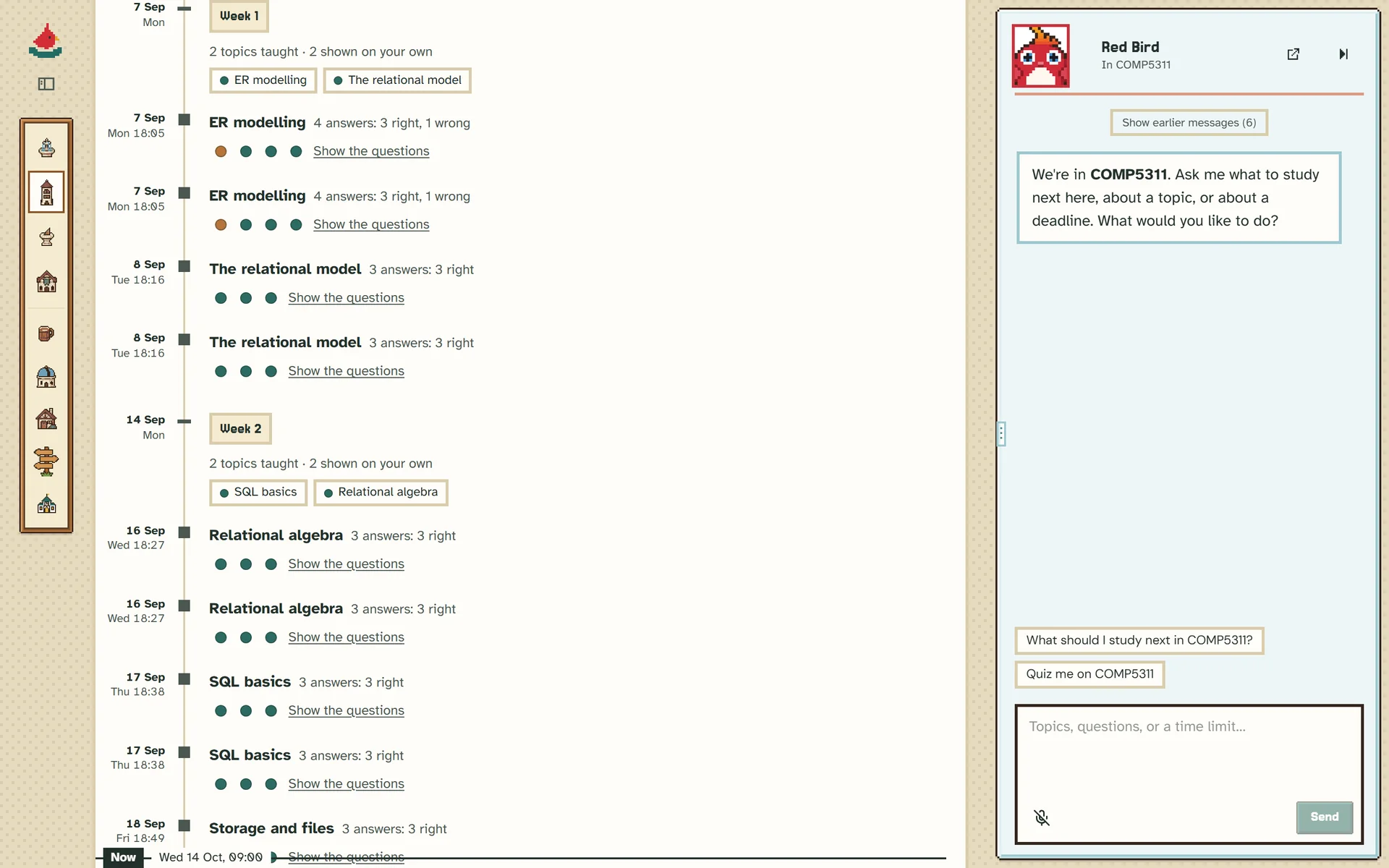
Levels that mean something
-
Right, on your own
The topic is marked "Got it once". Get it right again on another day and the level is confirmed. Levels run from 1 to 5.
-
Right, with a hint
Recorded as help. The level stays where it is and the question comes back another day.
Every helper is a bird
-
Red Bird plans, answers and builds your courses
-
Owl tutors your study sessions
-
Swallow plans and coaches
-
Tailor sews your own courses together
-
Jay spars over your code
-
Kingfisher dives beyond the syllabus
-
Gull advises on courses
-
Pigeon brings the news
-
Raven drafts research emails
The places in town
 SquareHome and what to do now
 LibraryYour courses and files
 SundialYour plan and deadlines
 ObservatoryThe skill tree
 TavernFriends and course boards
 Guild hallNews from your courses
 GazetteTech news
 CottageYour town and companion
Your study stays yours
In a course run by a teacher, the teacher sees patterns across the class with no names attached. Your chats and your mistakes are not shown to them.